Getting started
LLMs.txt Validator helps you check, detect, and create the llms.txt family of
files — the small text files that tell AI assistants (ChatGPT, Gemini, Perplexity, Copilot) what a
website is about. This guide gets you from zero to your first result.
1. Validate without an account
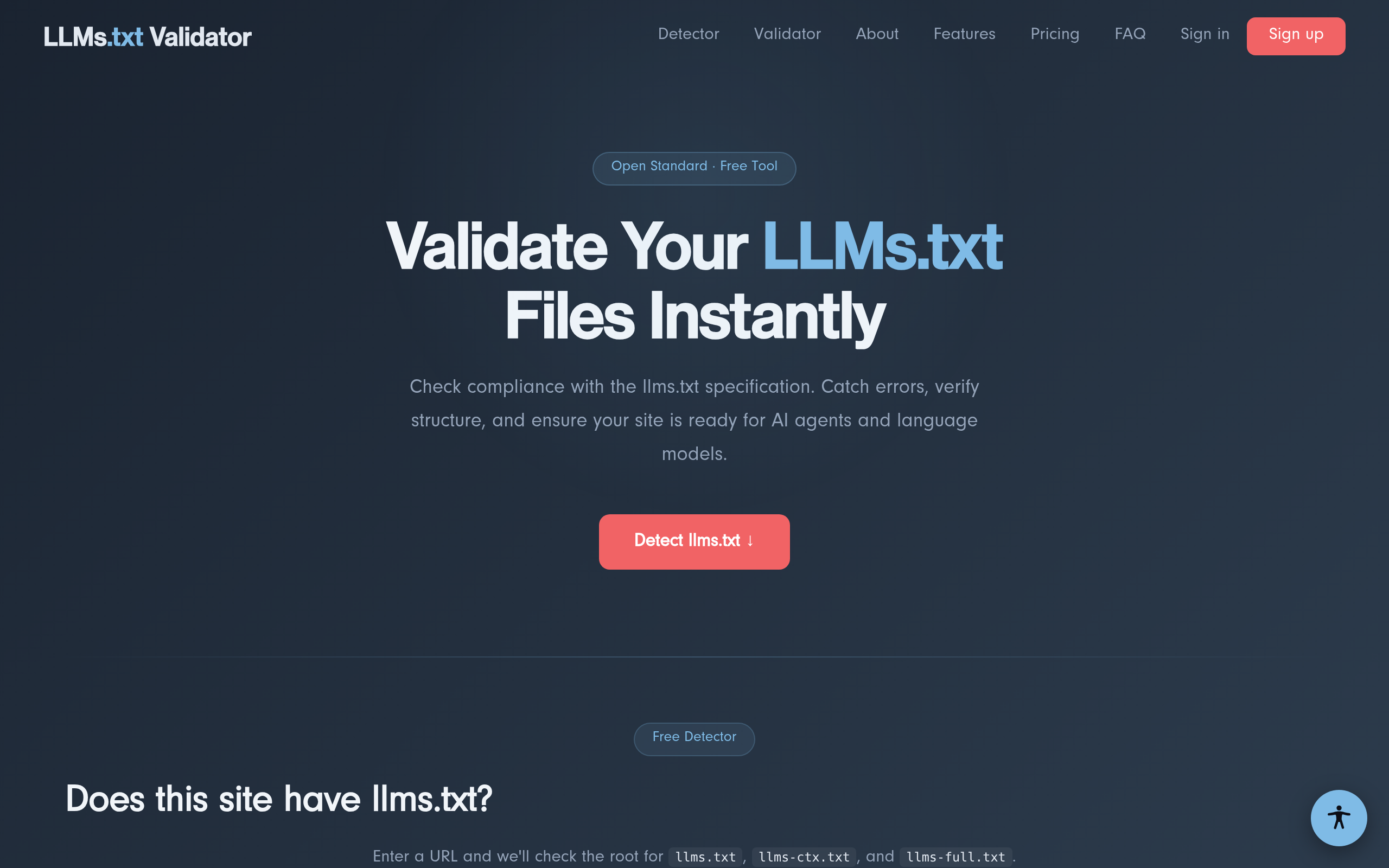
You don't need to sign up to use the core tools. On the home page you can validate a file (paste it, upload it, or fetch it by URL) and run the detector against any domain.
2. Create a free account
Click Sign up in the top-right, enter your email and a password, and confirm your email if prompted. An account lets you save runs and unlocks paid features on the Business and Agency plans.
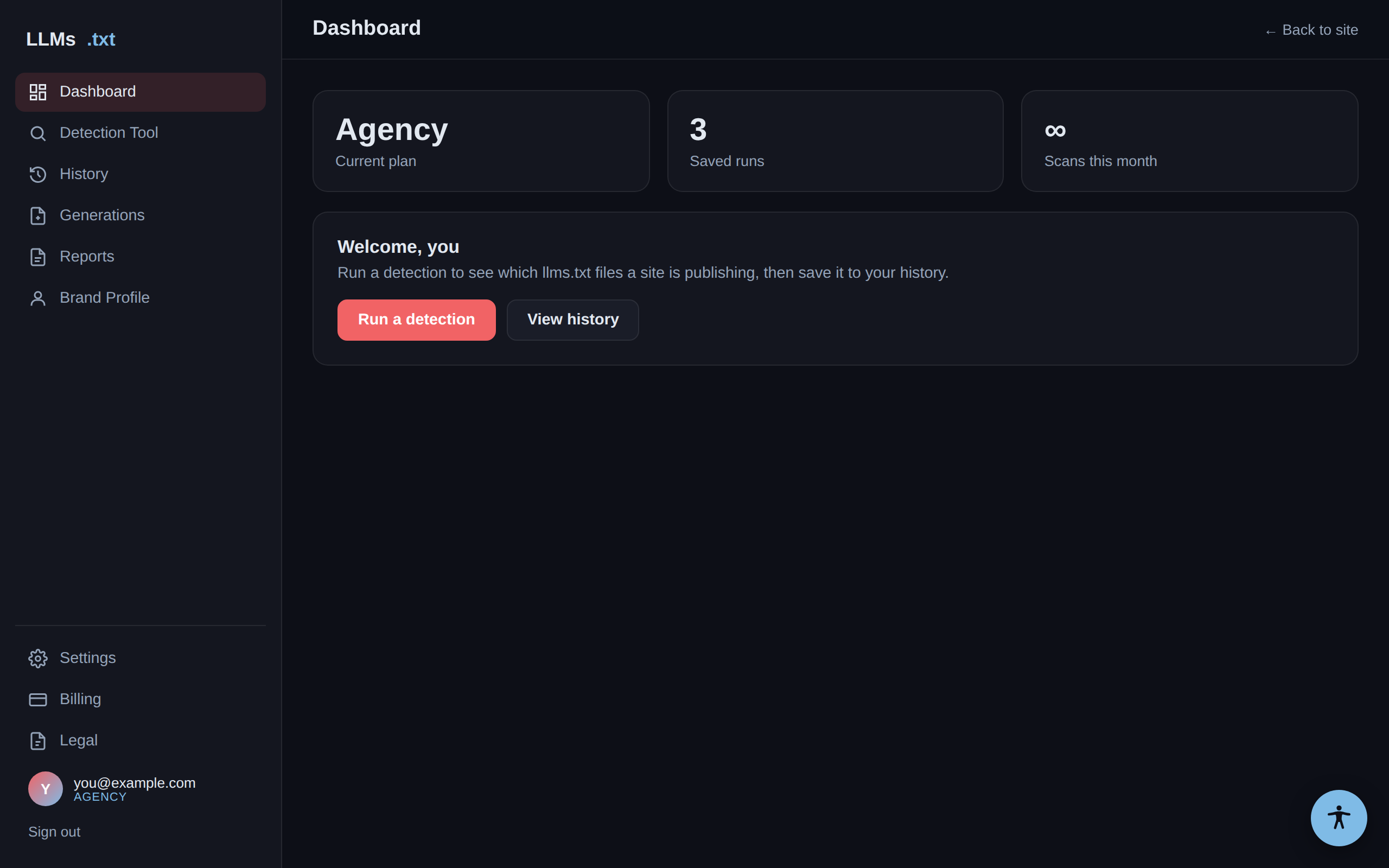
3. Your dashboard
After signing in, open the Dashboard. The left menu is your home base: Detection Tool, History, and — on the Agency plan — Generations and Reports. Your current plan and usage are shown up top.